
Glendale Business Visibility Checklist. Free resource for Glendale, Arizona business owners.
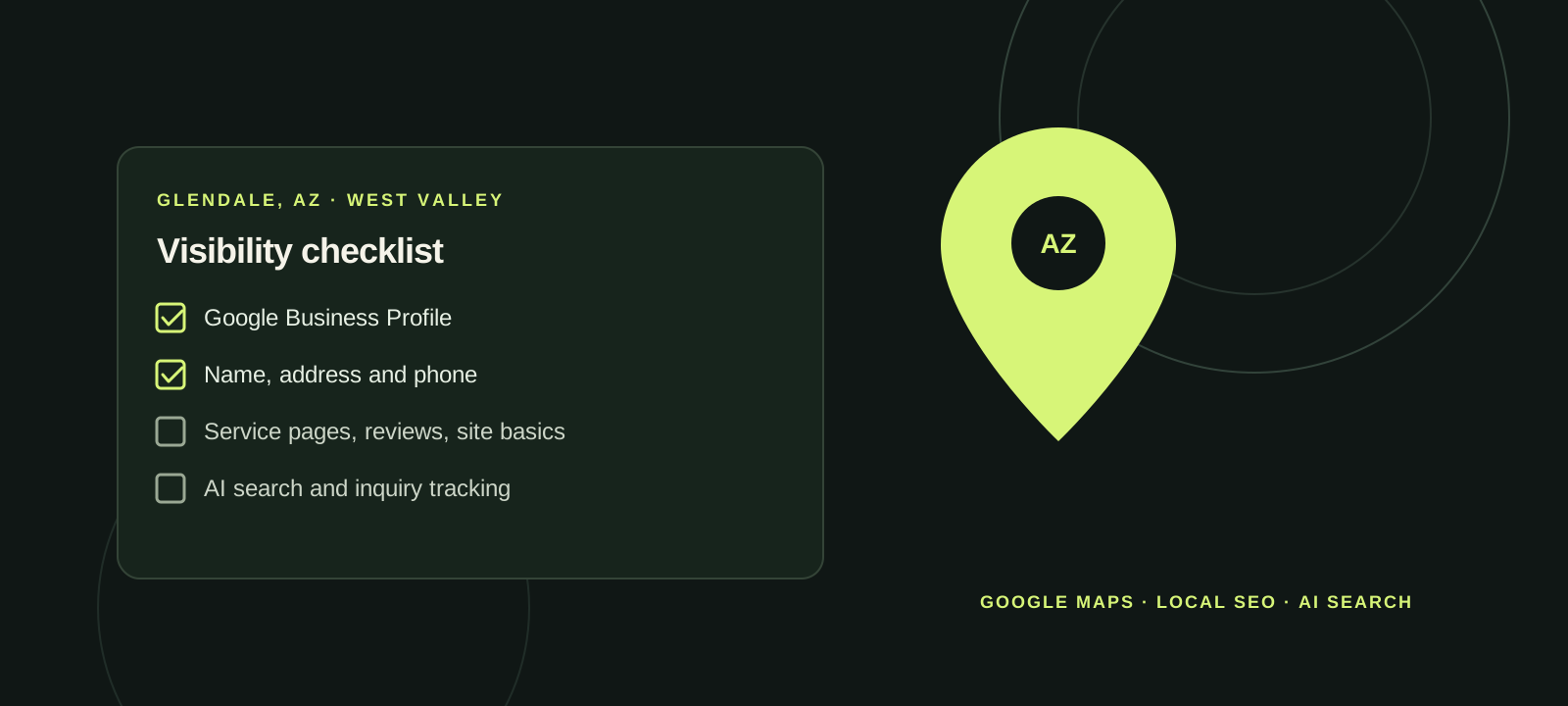
How to use this checklist
- Set aside about an hour. Have your phone and the logins for your website and Google Business Profile ready.
- Work top to bottom. Tick what is already right and note what needs fixing. Skip anything that does not apply to your business.
- Fix the basics first. A wrong phone number or wrong hours costs you more than anything further down the list.
| Section | Why it matters | Checks |
|---|---|---|
| Get the basics identical everywhere | Customers and map apps both get confused when your name, address or phone number changes from one place to the next. | 5 |
| Google Search and Google Maps | Your Google Business Profile is the box with your hours, phone number and directions that people see before they ever reach your website. | 9 |
| Other maps, apps and directories | Not every customer uses Google. Phones, cars and voice assistants pull business details from other sources. | 6 |
| Your website | A visitor should learn what you do, where you work and how to reach you within a few seconds, on a phone. | 10 |
| Reviews and reputation | People read reviews to decide whether to call. Honest, recent reviews and calm replies build trust. | 6 |
| Being reachable | Being found only helps if the customer gets an answer. | 4 |
| AI search and voice assistants | More people now ask an AI assistant for a local recommendation. These tools draw on your website and listings, and they can get details wrong. A mention, or the lack of one, is not a ranking. | 6 |
| Know where your calls come from | You cannot tell what is working unless you know how customers found you. | 5 |
| Keep it current | Visibility is maintenance, not a one-time project. | 3 |
Get the basics identical everywhere
Customers and map apps both get confused when your name, address or phone number changes from one place to the next.
Use the name on your sign and paperwork. Keep this as your master copy and paste from it every time.
Parts of Glendale sit right next to Peoria and Phoenix. Check your mailing address and use the same city name in every listing.
Call it from another phone. Check that voicemail states your business name and is not full.
Search your business name and your old phone number to see what still shows up.
Type it into a phone browser to confirm it loads and shows a secure connection.
Fix now if: two public pages show different names, addresses or phone numbers for the same business.
Google Search and Google Maps
Your Google Business Profile is the box with your hours, phone number and directions that people see before they ever reach your website.
Search your business name on Google while signed in. If you see "Own this business?", the profile is not claimed yet.
Confirm it is your location and not a similarly named business. Compare every field with your master copy.
Google's guidelines ask for the name customers see on your sign. Padded names can get a profile suspended.
Add secondary categories only for services you really offer.
If big event nights near Westgate change when you open or close, add those dates too.
A P.O. box or an unstaffed virtual office is not an eligible address. For a service area, list the cities or ZIP codes you serve in practice, not every city in the Valley.
Write them the way a customer would ask for them.
A clear exterior photo helps people recognize the building when they arrive.
Add a second trusted owner so one lost email account cannot lock you out.
Fix now if: the name, address, phone, hours or website is wrong, the category does not describe what you do, or photos show a previous tenant or an old logo.
Other maps, apps and directories
Not every customer uses Google. Phones, cars and voice assistants pull business details from other sources.
Search your business in the Maps app on an iPhone. Owners can claim and correct a listing through Apple Business (formerly Apple Business Connect).
Use Bing Places for Business to claim or update your listing, then confirm the public Bing Maps result shows the change.
You do not need to be active on all of them. The details just need to be correct.
Confirm the name, address, phone and website match your master copy.
Use a business email address you will keep, not a personal one.
First correct or close the ones that already exist and are wrong, including leftovers from a previous owner or a move.
Fix now if: a listing shows an old phone number, an old address or a business that used to be at your location.
Your website
A visitor should learn what you do, where you work and how to reach you within a few seconds, on a phone.
Example: "Air conditioning repair in Glendale and Peoria."
Open your site on your own phone and tap the number. It should start a call.
The footer is a good place for these.
Answer the questions customers ask most, including what affects price.
If it feels slow or the text is hard to read, your customers notice the same thing.
Confirm it arrives, and check the spam folder.
Readable contrast and clear labels help every visitor, including people using screen readers.
You do not need a perfect score. Use it to spot oversized images or pages that fail on phones.
Look for test pages, pages you thought you removed and services or locations you no longer offer. Remove or redirect them.
Say Glendale, Peoria or other West Valley communities where that is true. Skip pages for places you do not serve.
Fix now if: the site shows a security warning, the form fails, the number is not tappable, or a customer cannot tell what you do on the first screen of a phone.
Reviews and reputation
People read reviews to decide whether to call. Honest, recent reviews and calm replies build trust.
Share your direct Google review link by text, email or a printed card.
Google's policies do not allow discouraging negative reviews or selectively asking for positive ones.
Fake and incentivized reviews break platform rules and consumer protection law.
Thank the person, address the issue and offer a way to reach you directly.
Use Google's reporting tools instead of replying as if it were yours.
This matters most for medical, legal and financial businesses.
Good to know: Fake reviews, and any payment or discount offered in exchange for a review, break Google's rules. Buying or faking reviews can also violate U.S. consumer protection rules.
Fix now if: you have unanswered reviews, or a review keeps repeating a factual error you have not corrected on the listing.
Being reachable
Being found only helps if the customer gets an answer.
Voicemail, a callback text, an answering service or a staff rotation are all valid. Pick one on purpose.
Example: "We return calls the same business day."
Website form, business email, text messages and social media messages.
Arizona does not change clocks for daylight saving time, so double-check hours shown by tools set to another time zone.
Fix now if: the public number goes to a disconnected line or a full voicemail box, or no one is responsible for calling back.
AI search and voice assistants
More people now ask an AI assistant for a local recommendation. These tools draw on your website and listings, and they can get details wrong. A mention, or the lack of one, is not a ranking.
- What [your type of business] would you suggest in Glendale, Arizona?
- Find [your exact business name] in Glendale, AZ. What address, phone number, website and hours do you have?
- What services does [your exact business name] offer?
Use a new chat each time. In Google, see whether an AI answer appears and whether you are in it.
Results vary by tool and by day. One answer is a single dated observation, not a full review.
If Perplexity cites sources, open them to see whether it used your website, your Google listing or an outdated directory.
Correct your website and listings first. Give the tools time to pick up the change.
It is not automatically a problem, and no one can guarantee a business will be recommended. Clear service pages give a tool something accurate to cite.
Plain facts such as services, service area, hours and how to book are the easiest for any tool to repeat correctly.
Fix now if: an AI tool repeats an old phone number, the wrong address or services you do not offer. Correct the source pages first, then check again later.
Know where your calls come from
You cannot tell what is working unless you know how customers found you.
Confirm it rings the right person and the greeting uses your current business name.
Confirm it arrives and that someone is assigned to answer the same day.
Date, call or form, what they asked for and how they heard about you. A notebook by the phone is enough.
It shows calls, direction requests and website clicks from your profile. Treat it as a starting point, not a full sales report.
Fix response time before you change your marketing.
Fix now if: a test form does not arrive, or you cannot say how last week's new customers found you.
Keep it current
Visibility is maintenance, not a one-time project.
Also recheck after a move, a new phone number or a name change.
Look for wrong details, duplicate listings and new reviews.
Small changes are the ones that get missed.
Fix now if: you have moved, changed numbers or changed hours since you last went through this list.
Questions owners ask
- How do I check my Google Business Profile?
- Search your exact business name plus "Glendale AZ" on Google. Open your Maps listing and compare the name, address, phone, website, hours and category with the official version you wrote down. If you cannot access the profile, claim it and finish verification before you change anything.
- What is NAP consistency?
- NAP means name, address and phone number. Consistency means those details, plus your website address, are written the same way on your website, your Google Business Profile and every other listing. When they do not match, it is harder for search engines and AI tools to treat the information as reliable.
- Should I create more directory listings to improve local SEO?
- Not as a first step. First correct or close the listings that already exist and are wrong. Focus on the official version of your details and the directories you actually use.
- How can I see if my business appears in ChatGPT or Google's AI answers?
- Ask the same short customer-style questions in Google, ChatGPT and Perplexity, then repeat them with your exact business name. Write down the question and what each tool returned, and compare any details with your official version.
- Does a mention in an AI tool mean I am ranking well?
- No. A mention, or the lack of one, is not a ranking result. If a tool lists you accurately, record that. If it uses old or mixed-up details, fix the public sources first, especially your Google listing and website.
- How often should I go through this checklist?
- Once in full, then a few times a year, and again after a move, a phone change, a new service or a change in hours.
- Can I buy Google reviews or pay for a better map ranking?
- No. Google's policies do not allow paying for reviews, offering incentives for them or asking only happy customers. Businesses also cannot pay for a better unpaid local ranking; ads are a separate paid placement.
- Can I print or share this checklist?
- Yes. It is free to print, share and link to, with no sign-up.