
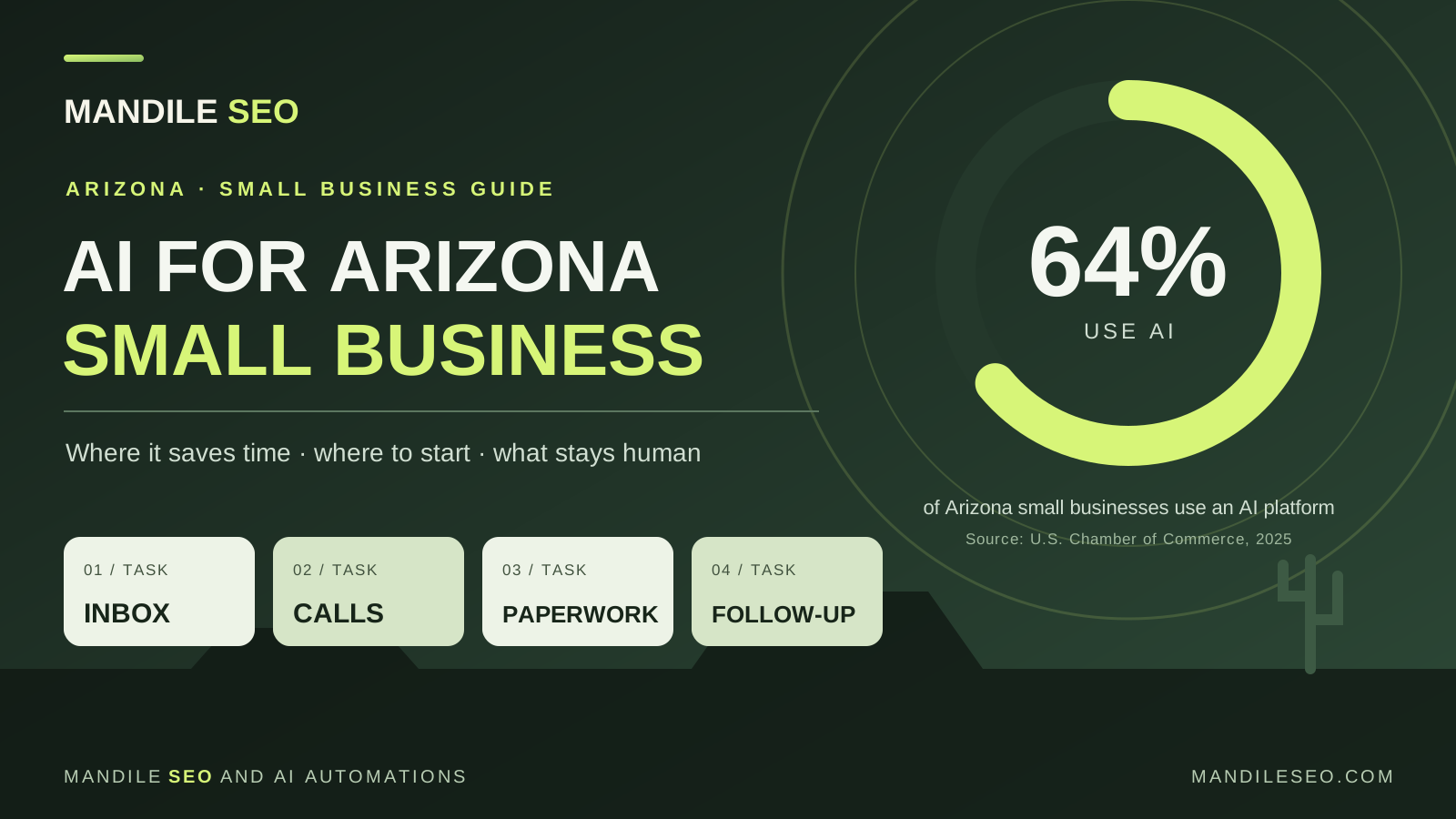
How should an Arizona small business start using AI?
Start with one repetitive task that costs you time or customers: replying to inquiries, following up on quotes, answering after-hours calls or turning job notes into records. Measure how it works today, test AI on real examples for a few weeks, and keep a person approving anything a customer will see or pay for. Expand only after the first task clearly pays off.
What the numbers say about AI in Arizona
The U.S. Chamber of Commerce surveys small businesses every year about technology. Its 2025 Arizona results show AI is no longer a fringe tool here:
- 64% of Arizona small businesses use an AI platform.
- 51% use generative AI chatbots, the ChatGPT-style tools that write and answer questions.
- 81% believe AI will help their business in the future.
Nationally, the same report found 58% of small businesses use generative AI, up from 40% in 2024 and 23% in 2023. In other words, your competitors are probably experimenting already. The real gap isn’t who has “tried AI.” It’s who has put it to work on the tasks that actually cost them money.
The report also found that 64% of Arizona small businesses worry a patchwork of state technology rules could raise their compliance costs. That’s a good reason to keep your AI setup simple, documented and under your control.
Six places AI earns its keep for local businesses
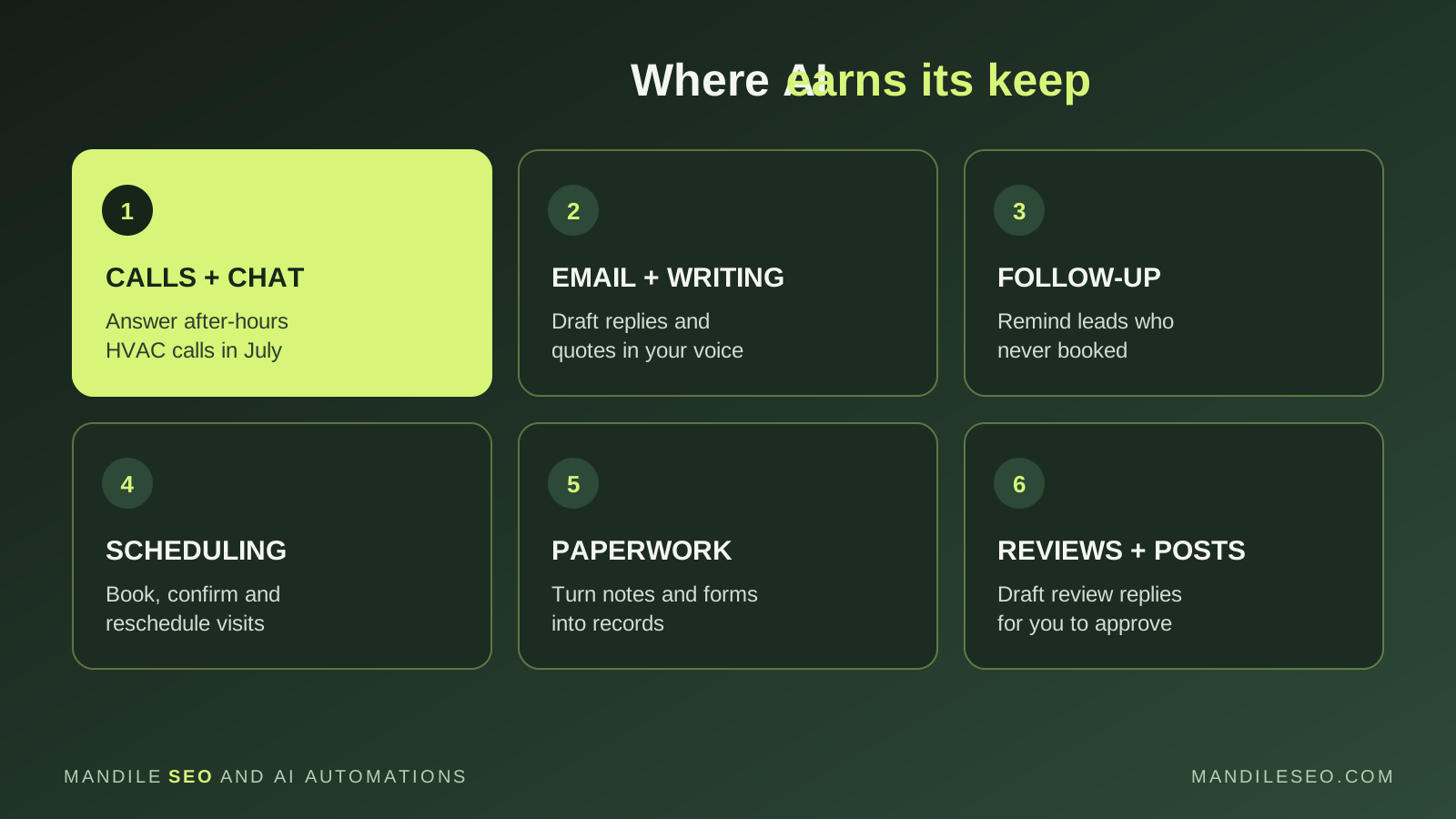
- Answering calls and chat. An AI receptionist or website chat can answer common questions and take details when nobody can pick up. In the Valley, that matters most in July when every AC company’s phone is ringing at once. See our after-hours answering guide.
- Email and writing. First drafts of replies, quotes, job descriptions and policies, written in your voice for you to edit. This is where most owners start, and it’s often where they stop. Drafting is useful, but it’s only one piece.
- Follow-up. Reminding a homeowner about the pool resurfacing quote they never answered, or the patient who didn’t rebook. Follow-up is the task most often skipped when a business gets busy, and one of the easiest to hand to AI with a person approving each message.
- Scheduling. Booking, confirming and rescheduling appointments inside the rules you set, so your office isn’t playing phone tag with landscaping or cleaning customers.
- Paperwork and data entry. Turning technician notes, photos and forms into clean records in your CRM or spreadsheet, instead of someone retyping them at the end of the day.
- Reviews and marketing. Drafting replies to Google reviews and short posts for your Business Profile, which you approve before anything goes public.
A good first task for common Arizona industries
| Industry | A strong first AI task | Keep human |
|---|---|---|
| HVAC, plumbing, electrical | After-hours call intake and quote follow-up | Pricing, dispatch, anything safety-related |
| Landscaping and pool service | Scheduling, rescheduling around heat and monsoon days | Estimates and changes to a customer’s contract |
| Real estate | Answering listing inquiries and organizing leads | Advice, negotiations, anything about fair housing |
| Medical, dental, therapy | Visit notes with ambient documentation tools such as Microsoft’s Dragon Copilot, plus appointment reminders | Diagnoses, treatment, and reviewing every note |
| Auto repair | Turning tech notes into clear repair explanations for customers | Final estimates and authorizations |
| Restaurants and retail | Answering hours, menu and order-status questions | Refunds, complaints and allergy questions |
You may already be paying for AI
Before buying anything new, check what you already have. Microsoft 365 Copilot works inside Outlook, Word and Excel. Google Workspace includes Gemini features in Gmail and Docs. Many CRMs, booking tools and website builders have added AI writing and summaries. These are good for drafting and summarizing.
Where they fall short is connecting the steps: noticing the quote that went unanswered, pulling the customer’s details, drafting the follow-up, waiting for your approval and logging the result. That’s when a custom workflow, built around the tools you already use, starts to make sense. Our guide to AI agent costs explains what that typically involves.
What should stay human
AI is good at preparing work. It’s not the right one to make final calls about your customers or your money. In most small businesses, a person should still:
- Approve anything a customer sees, at least until the system has proven itself
- Set prices, discounts and refunds
- Handle complaints, safety issues and anything medical or legal
- Decide who gets dispatched, hired or charged
And a few data basics apply everywhere: check how each tool stores and uses what you type, never paste card numbers or Social Security numbers into a chat tool, and if you handle health information, use only tools your provider will cover under a HIPAA business associate agreement.
A simple 30-day plan for your first AI project
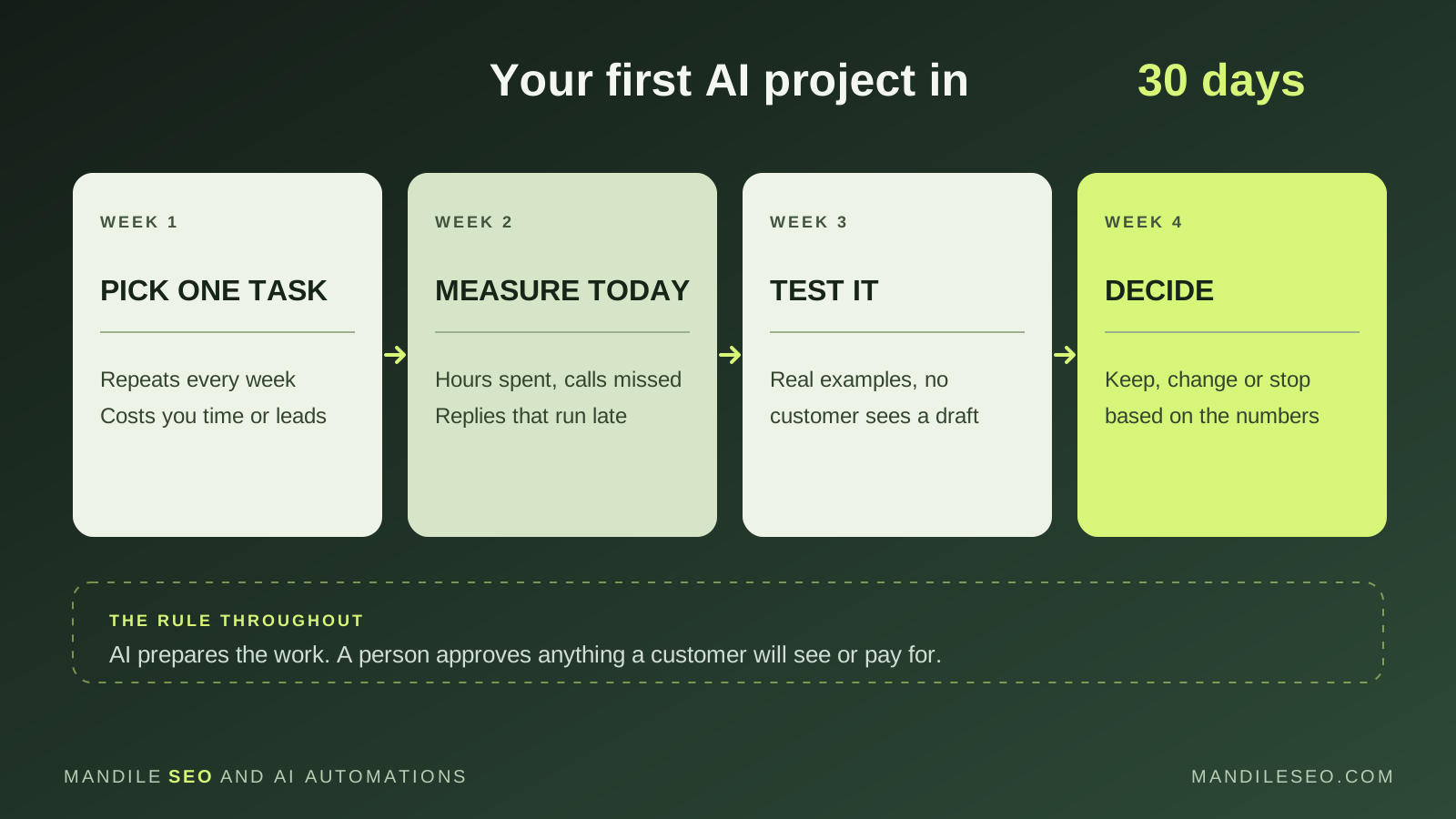
- Week 1: Pick one task. It should repeat every week and cost you either time or customers. Write down exactly what “done right” looks like.
- Week 2: Measure today. How many hours does it take? How many calls go unanswered or quotes go without a follow-up? You can’t prove AI helped without a starting number.
- Week 3: Test it. Run the AI on real examples, but let a person review everything before it reaches a customer.
- Week 4: Decide. Compare against your starting numbers. Keep it, change it or stop. Only then pick the next task.
Common mistakes to avoid
- Buying a tool before choosing the problem. Start with the task, then find the tool.
- Automating everything at once. One working workflow beats five half-finished ones.
- Letting AI send messages unchecked on day one. Trust is earned with a track record.
- Skipping the before-and-after numbers. Without them, you’ll never know if it was worth it.
Not sure which task to start with?
We’ll look at how your business runs today, help you pick the one task worth automating first, and set it up with your team approving the work. Based in Glendale, serving Phoenix, the West Valley and the rest of Arizona.
Frequently asked questions
How many Arizona small businesses use AI?
According to the U.S. Chamber of Commerce’s 2025 Empowering Small Business report, 64% of Arizona small businesses use an AI platform and 51% use generative AI chatbots. 81% said they believe AI will help their business in the future.
What is the easiest way for a small business to start using AI?
Pick one task that repeats every week and costs you time or customers, such as replying to inquiries, following up on quotes or answering after-hours calls. Measure how it works today, test AI on real examples for a few weeks, and keep a person approving anything a customer will see.
Do I need special software to use AI in my business?
Often not at first. Many owners start with AI already built into tools they pay for, like Microsoft 365, Google Workspace or their CRM. Custom setups make sense once a specific task is clearly worth automating.
Is it safe to put customer information into AI tools?
Only with care. Check how each tool stores and uses your data, avoid pasting sensitive details like card numbers or Social Security numbers, and for health information use a tool your provider will cover under a HIPAA business associate agreement.
Will AI replace my employees?
For most small businesses the goal is to take repetitive work off people’s plates, like data entry, first-draft emails and reminders, so your team has more time for customers and the jobs that need judgment.
Do you help Arizona businesses set up AI?
Yes. Mandile SEO is based in Glendale and works with businesses across the Phoenix area and the rest of Arizona, plus Salem and Portland in Oregon. We start with one workflow, test it with you, and keep your team in charge of approvals.