
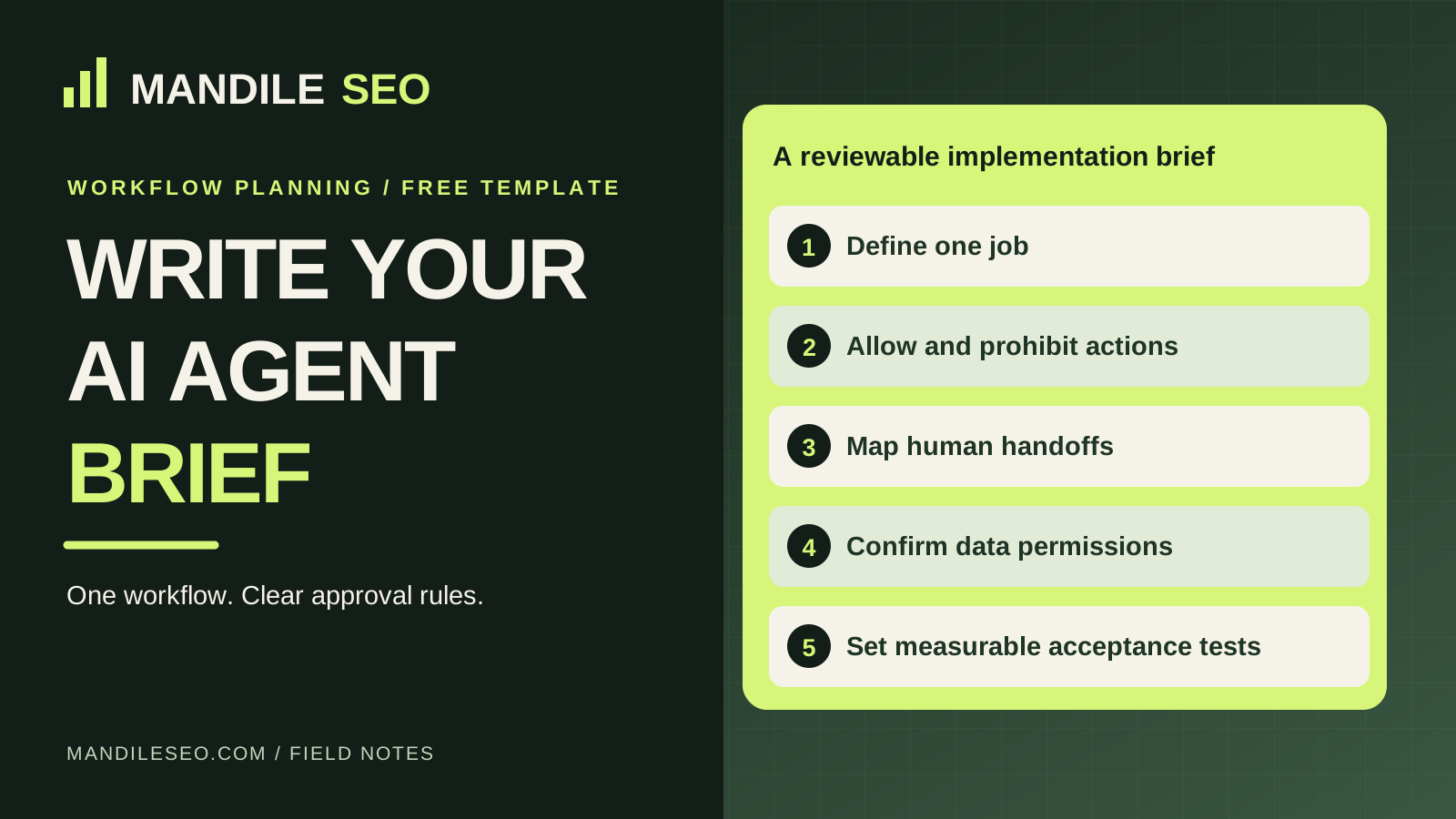
What goes in an AI agent implementation brief?
Document one job, the trigger, approved data, allowed and forbidden actions, escalation behavior, output destinations, privacy and ownership rules, measurable acceptance tests, plus estimated setup and ongoing costs. Review the brief with the business owner before any credentials or live systems are connected.
Copy this seven-part AI agent brief template
- Business context: [business name], [service area], [workflow owner], [hours], [source of truth].
- Single job: When [trigger] occurs, receive [input], perform [approved steps] and deliver [output].
- Allowed actions: [approved FAQs], [specific fields collected], [authorized routing or requests].
- Forbidden actions: [custom quotes], [diagnoses], [unverified bookings], [payments], [unsupported promises].
- Escalation: If [safety warning, unknown question, caller requests human], transfer to [staff channel]; if unavailable, follow [fallback].
- Data: [minimum collection], [consent/disclosure], [retention], [access rights], [export and deletion policy].
- Acceptance criteria: [normal path], [outage], [double-booking], [unknown request], [handoff], [privacy check], [owner approval].
Worked example: an after-hours plumbing intake request
Illustrative only: A plumbing business wants to collect after-hours service requests. Approved steps capture customer name, callback number, broad issue category, service area and an urgency flag. A human determines dispatch and availability.
The workflow must not diagnose gas leaks or electrical hazards, guarantee an arrival time, quote a repair or claim that a technician is scheduled. An immediate emergency should receive approved safety escalation language directing the caller to appropriate emergency services where necessary.
Completion means a valid request reaches an authorized team member and can be acknowledged. It is not a booked visit until a connected calendar or staff member confirms it.
Prelaunch verification checklist
- Owner verifies business name, service areas, hours and FAQ answers.
- Allowed and prohibited actions are signed off.
- Phone, CRM and calendar capabilities are checked against real provider documentation.
- Human transfer and fallback are tested with realistic scenarios.
- No confirmation is sent until bookings are verified.
- Data access, recording disclosure, consent and retention are reviewed.
- Owner tests draft outputs and explicitly approves any future live deployment.
What should the owner actually measure?
Define an observable event for each workflow: message delivered to the authorized queue, call transferred successfully, correct classification, confirmed booking, or false-positive response. Count failures, too. Do not convert estimated time savings into guaranteed revenue.
What does a preview-only builder produce?
| Export | What it contains | What it does not do |
|---|---|---|
| Editable scope brief | Business facts, workflow and approvals | Configure a real number or CRM |
| Knowledge template | Approved service questions and answers | Invent facts from web pages |
| Call or intake script | Sample routine and escalation branches | Place or answer live calls |
| Acceptance-test checklist | Owner review and go-live gates | Certify legal compliance or guarantee behavior |
What to do after the brief is reviewed
Choose a product or developer whose actual integrations can meet the requirements. Get a written quote including usage and maintenance. Only then plan limited sandbox testing and permissioned production activation. The preview-only document is not consent to record, contact or market to customers.
Have your implementation brief reviewed?
Send the draft workflow and existing tools. Mandile SEO can scope a focused pilot with explicit human approval, realistic operating costs and prelaunch checks.