
Peoria Business
Visibility Checklist
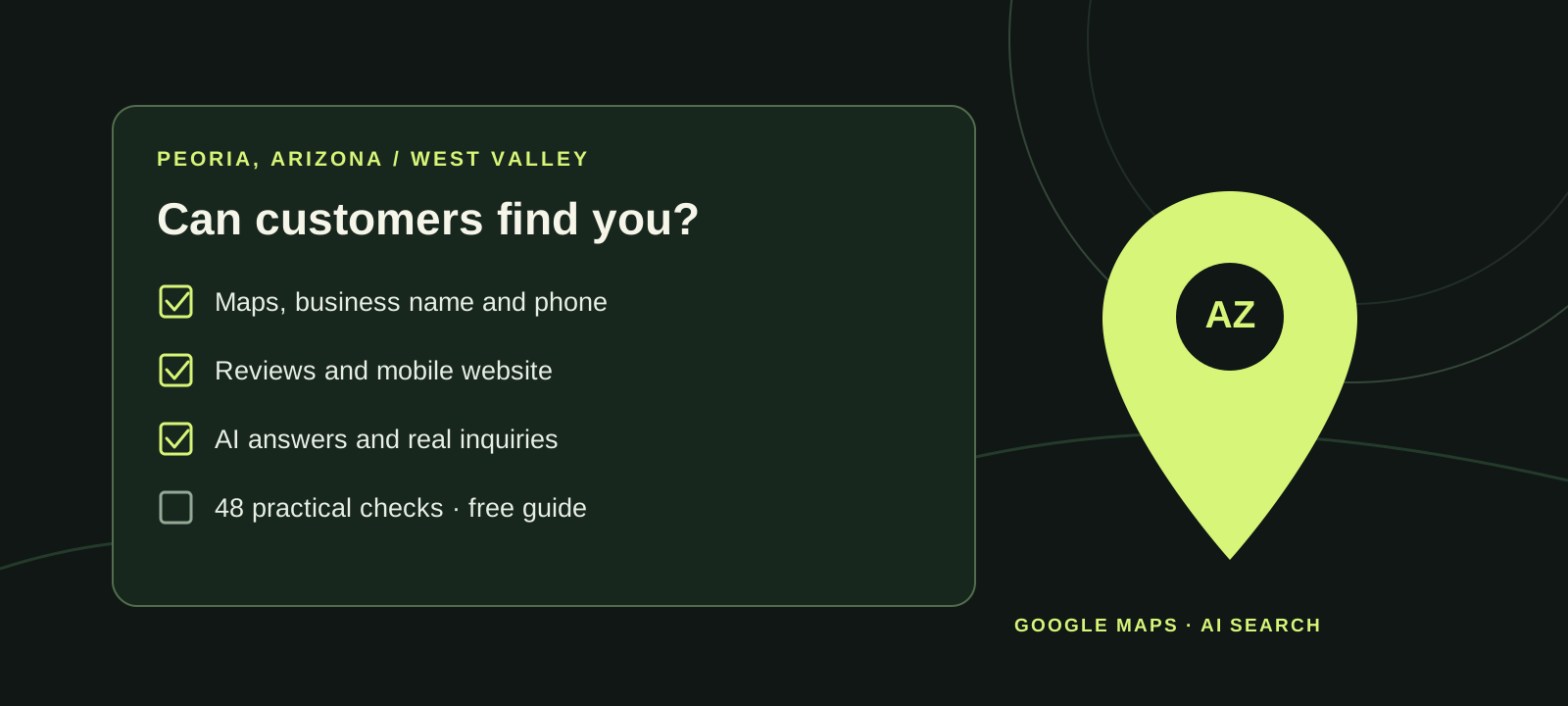
Can a customer in Peoria find your business, trust the details and actually reach you?
An independent, printable guide for Peoria, Arizona business owners: check local listings, map details, your website, customer inquiries and AI search answers.
48 practical checks in 9 sections. Free to print and share. No sign-up.
Peoria Business Visibility Checklist — mandileseo.com/peoria-business-visibility-checklist
What should I check first?
Start with one accurate record of your business name, address or service area, phone, hours and website. Check Google Maps, Apple Maps and Bing against it; test your phone and form; then compare what AI tools say. Fix wrong facts at their source.
How to use the Peoria checklist
- Start with your accurate business details; don't invent a Peoria address if you serve customers from elsewhere.
- Tick each check that is verified. Use each “Fix now if” note to choose what to correct first.
- Make a call and form submission, then repeat the checks after changes have had time to appear.
Examples include Downtown Peoria, P83, Park West and North Peoria. Use only the areas you actually serve.
Start with the facts customers see
A Peoria customer should see the same business identity whether they find you on a phone, a map or your website.
Use one master record for updates. Your Google name should match your real-world business name, without added search keywords.
Peoria borders several communities. Check the official mailing address; do not change the city to Peoria just to target customers there.
Check voicemail, missed-call routing and after-hours instructions, not just whether the phone rings.
Both forms should lead visitors to the same secure, working site.
Note duplicate listings, an old number or similarly named businesses. Record the URL of each incorrect result.
Fix now if: two public sources disagree about your name, number, address or hours.
Check Google Maps and your Business Profile
For storefronts, trades and professional services, a correct Google Business Profile helps customers understand where you are and how to contact you.
Search the exact name. If another account owns the listing, follow the ownership-request and verification process rather than making a duplicate.
Do not add “best,” extra service keywords or “Peoria AZ” unless they are genuinely part of the business name.
Add secondary categories sparingly for activities you actually perform.
Show a staffed, signed location that receives customers during stated hours; do not display a P.O. box or an unstaffed virtual office. Service-area-only businesses should hide the address.
If a P83 event or a busy shopping weekend changes your opening hours, update them as needed rather than relying on old seasonal hours.
For a storefront near Downtown Peoria, P83 or Park West, make sure the pin leads customers to the right building or entrance.
Photos should show your current business, not a former occupant or licensed stock imagery pretending to be your team.
Keep access with authorized people, enable account protections and remove former staff or agencies that no longer need it.
Fix now if: Google shows the wrong phone, hours, location, category or business name.
Update Apple Maps, Bing and relevant listings
Not every Peoria customer uses Google; other maps and trade-specific sources should be current, too.
Owners can manage eligible locations and place-card details through Apple Business. Check the pin, phone number and hours.
Use Bing Places for Business to claim or update eligible business details.
For example: Yelp, Facebook, industry associations and trade directories. Prioritize active, relevant sites.
Correct or consolidate mistakes through the platform process; do not create extra profiles to chase backlinks.
Keep a secure inventory of administrators and use a password manager and appropriate access roles.
Fix now if: a major map or trusted industry listing displays details that no longer match your business.
Make your Peoria website useful on a phone
People often decide whether to call from the first screen of a mobile site.
Use natural language such as “AC repairs in Peoria and North Peoria” only if it accurately describes your service area.
Test the button on your own mobile phone and confirm the number matches your listings.
A storefront and a home-service business may need different location information. Explain how customers can reach you.
Answer costs, timing, eligibility, and scheduling questions; avoid near-duplicate city pages made only for keywords.
Test readability, navigation, image loading and whether the main call-to-action works without Wi-Fi.
Verify it arrives and that someone knows who must respond.
Use readable contrast, descriptive labels and honest contact/business information.
Fix now if: your site is confusing on mobile, a form fails or service locations are exaggerated.
Build an honest review trail
Reviews should reflect genuine experiences, not a filtered sample of only happy customers.
Use a direct review link if available, without demanding a specific star rating.
Do not selectively request only positive feedback or discourage negative reviews.
Google prohibits incentives and review manipulation.
For complaints, offer an appropriate private follow-up without disclosing customer information.
Good to know: Fake reviews, and any payment or discount offered in exchange for a review, break Google's rules. Buying or faking reviews can also violate U.S. consumer protection rules.
Fix now if: you are screening customers for positive reviews or offering incentives.
Verify what Peoria-area customers actually see
A local visibility check should follow real customer journeys, not just a generic search phrase.
Use a realistic service query and note whether the displayed business details are correct; avoid interpreting one search as a ranking report.
Only use an area if customers actually visit you there or your service covers it; these are examples, not claimed office locations.
If you serve Vistancia, Lake Pleasant Parkway or nearby areas, name them only where that is true.
Tell customers how to reach the correct entrance and whether an appointment is required.
Local results depend on location, device and context. A single observation is not a comprehensive audit.
Fix now if: your listing directs visitors to the wrong place or your site claims neighborhoods you do not actually serve.
Check AI answers without treating them as rankings
AI assistants can describe a business incorrectly or cite sources that have not been updated.
- Which [business type] would you suggest in Peoria, Arizona?
- Find [exact business name] in Peoria, AZ. What address, phone, hours and website do you have?
- What services does [exact business name] offer, and what sources support that answer?
Try ChatGPT, Perplexity and an available Google AI answer. Not every prompt triggers an AI answer.
Treat each answer as a dated observation, not proof that a business ranks for everyone.
Look for your own website, current listings and third-party pages carrying old information.
Fix your website and managed business listings, then test again later. AI systems may take time to update.
Describe services, actual service areas, how appointments work and hours accurately; no one can promise AI recommendations.
Fix now if: an AI answer repeats an outdated phone, address or service that you do not offer.
Make sure searches can turn into inquiries
A listing is only useful when callers, visitors and messages reach a responsible person.
Confirm the greeting identifies the right business and someone can answer or call back.
Know whether voicemail, a staff member or an approved answering workflow receives it.
Confirm a real message arrives and does not go to an unmonitored inbox.
Check business email, texts, website inquiries and social messages you actively advertise.
Record new calls, messages, customer questions and how people say they found you; do not collect more personal data than needed.
Fix now if: test inquiries disappear, voicemail is full or no one owns follow-ups.
Put visibility checks on a recurring schedule
Wrong hours, contact details and profile access often appear after normal business changes.
Review phone, hours, address/service area, website and recent inquiries.
Re-run it sooner if you move, rename the business or add a location.
Calls and directions can help diagnose interest, but are not the same thing as verified customers or sales.
Save where the error was found, what you changed and whether the public page now displays the correct facts.
Fix now if: you moved, changed services or changed numbers without updating the public sources.
Questions Peoria owners often ask
- Does my business need a Peoria address to serve Peoria customers?
- No. Describe the cities and neighborhoods you actually serve. On Google Business Profile, display a physical address only when it meets Google's location requirements; otherwise set up an eligible service-area profile.
- Where can I edit a business listing in Apple Maps?
- Eligible owners can manage location information using Apple Business. Make sure your place card displays the correct details.
- How do I update my Bing Maps listing?
- Use Bing Places for Business to claim or update an eligible listing. Then confirm that the public Bing Maps result reflects the changes.
- Should I create many new directory profiles?
- No. Correct inaccurate listings on relevant sites first. Creating duplicates is usually less useful than maintaining accurate profiles.
- Can I ask customers only for five-star reviews?
- No. Google prohibits selective solicitation of positive reviews and incentives for reviews. Invite genuine feedback without steering the rating.
- Does one ChatGPT or Google AI answer prove I rank well?
- No. AI responses vary. Record the exact prompt and date and check whether business facts are accurate; do not treat one answer as a comprehensive ranking measurement.
- Is this a City of Peoria program?
- No. This independent resource was prepared by Mandile SEO, a Glendale-based business serving Peoria. It is not affiliated with or endorsed by any government agency or association.
Official sources used for this checklist
Checked November 10, 2026. Platform policies can change; these links provide the current official guidance.
- Google Business Profile guidelines
- Google Maps review policy
- Apple Business location management
- Bing Places for Business support
- Peoria Economic Development districts