What can an AI phone agent do for a small business?
When properly configured, it may answer approved questions, collect a caller's request, create a follow-up record, check available appointment options and route calls to a person. Actual capabilities depend on the chosen phone provider, integrations, business rules and testing. It should never claim an appointment is booked unless the calendar confirms it.
Start with the calls you're already missing
A plumber working under a house, an HVAC technician on a rooftop or a repair shop with a busy front desk can't always answer immediately. That doesn't automatically mean the business needs a fully autonomous phone system. It may need a more reliable first response, a way to capture useful details, or an after-hours process.
Start by reviewing a sample of genuine inquiries. Which call types are routine, which require trained judgment, and which are urgent or sensitive? The answers determine whether you need an AI voice agent, a missed-call text-back workflow, a conventional answering service or better team coverage.
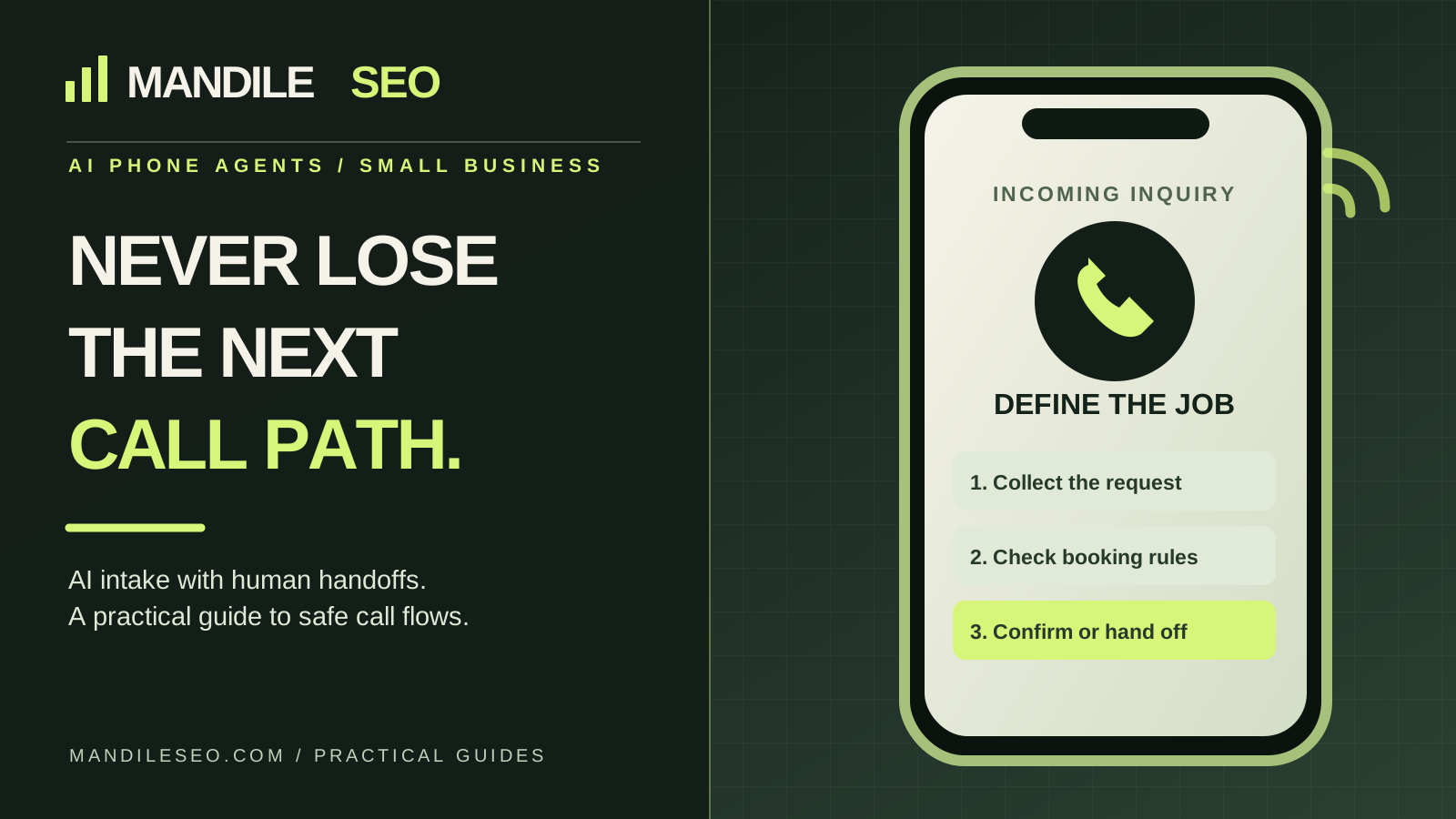
1. Give the agent one clearly defined job
A good pilot might handle new-customer appointment requests after business hours. It should know the approved greeting, business name, offered services, actual service areas, office hours and how to contact staff. If you promise “24/7 answers,” define which answers are supported rather than implying a human is available around the clock.
Document what the agent must not do: quote unauthorized prices, diagnose a safety-critical situation, promise an arrival time, impersonate an employee or accept payments without an expressly approved secure workflow.
2. Map a simple inquiry-to-handoff workflow
The following workflow is illustrative. It is not a claim that any specific client system is already deployed or that every phone platform supports these steps.
Incoming call → Identify the caller's request → Provide only approved information → Collect minimum useful details → Check booking or routing rules → Confirm an appointment only if the connected system verifies it, otherwise request follow-up → Transfer or escalate when needed → Save an authorized record for the team.
Each arrow represents a decision that needs explicit rules. A business may skip booking entirely and simply collect a message. A responsible system should fail safely when integrations are offline.
3. Control where the agent gets business information
Use a reviewed source of truth: the approved services, hours, service area, booking rules and escalation contacts. If the website says one thing and the calendar or operations manual says another, reconcile the discrepancy rather than letting the agent improvise.
For instance, a Phoenix roofing contractor may take emergency leak requests but not perform every type of roof repair. The call agent should distinguish those services accurately, including when it must ask an employee to confirm availability.
4. Define what counts as a real booking
Capturing “Tuesday afternoon sounds good” is not the same as booking an appointment. If the agent integrates with an authorized scheduling system, document availability checks, appointment types, time zones, confirmation messages, cancellation rules and what happens when no slot is available.
If a customer must be screened by a human before scheduling, the system should say a request was submitted rather than an appointment confirmed. Test duplicates, overlapping appointments, double-booking and outages.
5. Decide when a person takes over
Human handoffs are part of the product, not a failure. Define triggers for emergencies, unusual technical requests, frustrated callers, billing disputes, sensitive personal information and anything outside the approved knowledge base.
A transfer should go to a working contact method. If nobody answers, use a fallback such as a message, queue or notification with an honest response expectation. Avoid endless loops that repeatedly tell the caller help is coming.
6. Check privacy, disclosure and calling rules before launch
Tell callers when they are speaking with an automated system and explain recording practices when applicable. Review the laws and platform policies that govern call recording, consent, automated calls, texting, retention and handling of personal information in the places where your business and callers operate. Requirements vary by jurisdiction; get qualified legal advice for the specific workflow.
Collect only information needed to respond to the request. Clarify who can see call transcripts, how long records are kept, where recordings are stored, and how a customer can request correction or deletion where applicable. An inbound call does not by itself authorize promotional texting.
7. Run realistic tests before customers rely on it
Don't judge a pilot only by whether the first demo sounds natural. Test real paths with permission, including errors and uncertain requests. Ask the owner to approve the business facts and the specific steps the agent may take.
| Test call | Expected behavior | What to verify |
|---|---|---|
| Routine new inquiry | Collects approved details and explains the next step | Correct CRM record or notification |
| Request for unavailable appointment | Doesn't claim a booking; offers a follow-up path | No phantom calendar entry |
| Urgent or safety-related request | Follows approved escalation rules; does not provide dangerous advice | Correct transfer/fallback |
| Unknown service or pricing question | Says it cannot confirm and offers a human response | No invented quote or service promise |
| Calendar or CRM offline | Explains the limitation and records a safe fallback | No lost or duplicated lead |
| Caller wants a person | Attempts an authorized handoff without resisting | Working transfer number and fallback |
8. Measure outcomes, not just calls answered
Track the total calls handled, correctly categorized inquiries, successful human transfers, confirmed appointments, missed follow-ups, errors and owner review notes. Compare with an honest baseline. If the agent generates extra support work or confuses customers, its apparent answer rate may look better than the actual business outcome.
Separate a **pilot's technical results** from estimates of revenue or time savings. Savings and conversions should be calculated from real measurements rather than borrowed industry percentages.
AI receptionist, missed-call text-back or a human answering service?
These options solve overlapping but different problems. A voice agent can support defined conversations; missed-call text-back may follow up when a real inbound call goes unanswered; a human answering service may be more appropriate for judgment-heavy requests. A hybrid often works better than replacing every call with AI.
For a contractor who gets most calls while driving or working on equipment, start by asking which inquiries need an immediate live conversation and which can wait for a reply. Don't force a voice system on a business that only needs a simpler lead-capture path.
Questions to ask an AI phone-agent provider
- Which specific call types will be automated, and which remain human-owned?
- What approved information can the agent use, and who updates it?
- Can the system truly check availability and confirm booking in our calendar?
- Where do caller details go, and can we access or export them?
- How does the system disclose automation, handle recording rules and honor consent?
- What is the fallback when the internet, telephony or CRM integration fails?
- How will we test and review errors before switching on live traffic?
- What subscriptions, usage fees and ongoing support are separate from setup?
Frequently asked questions
Can an AI receptionist book appointments?
Sometimes, if booking is explicitly included and a compatible calendar integration has been configured and tested. A conversation that merely requests a time is not a confirmed booking.
Will an AI phone agent replace my employees?
That should not be the default goal. A sensible deployment handles clearly defined routine tasks and connects callers to staff for situations that need a person.
Do I have to change my existing CRM or phone provider?
Not always. Feasibility depends on the current phone system, permissions, APIs, routing rules and costs. Verify integrations before promising that the agent can work with existing software.
What happens when your business misses a call?
Tell me what kinds of inquiries arrive, who handles them now and what tools you already use. We can discuss whether a narrowly scoped AI receptionist or lead-response pilot fits your workflow. Setup, usage fees and support are quoted before work begins.